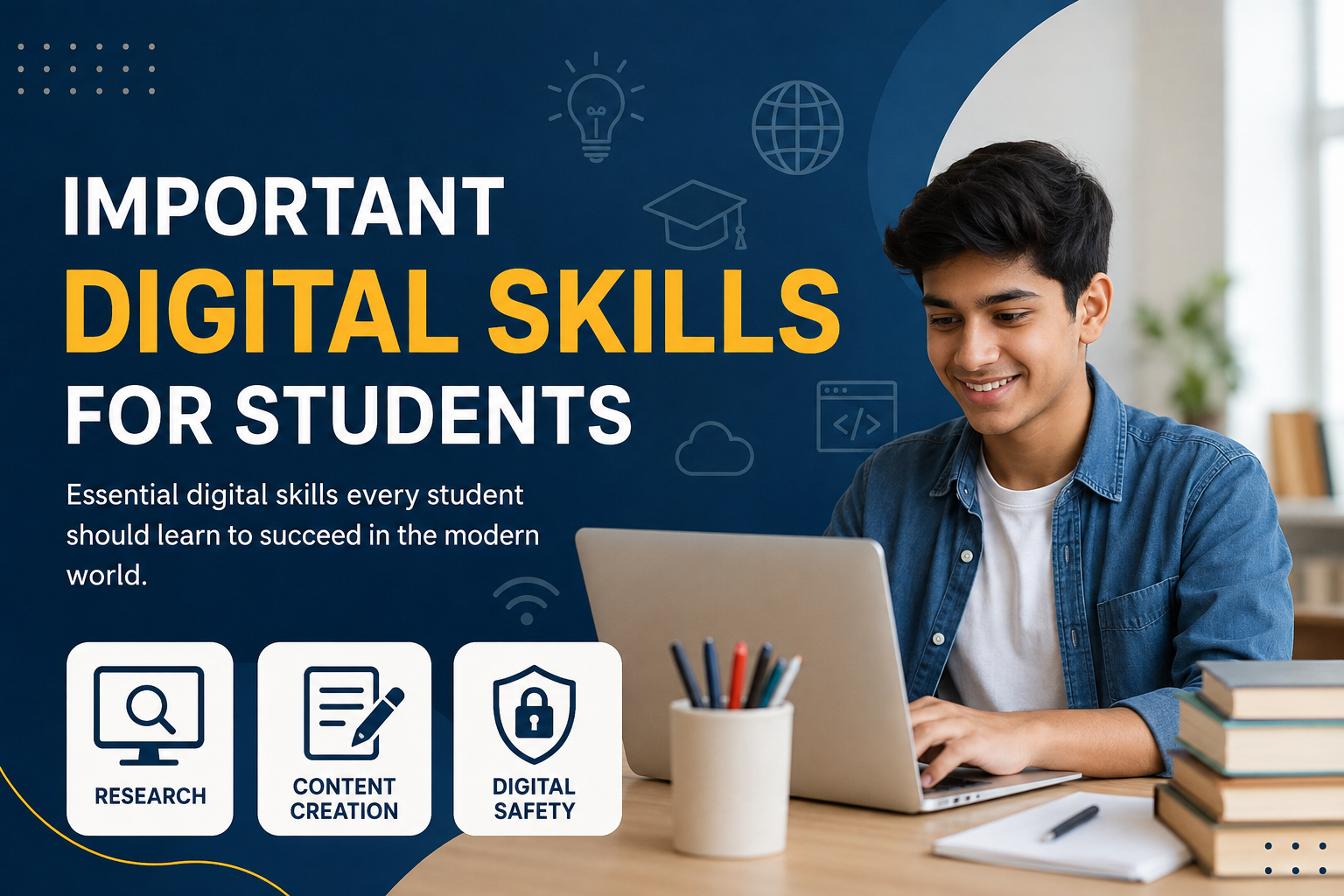
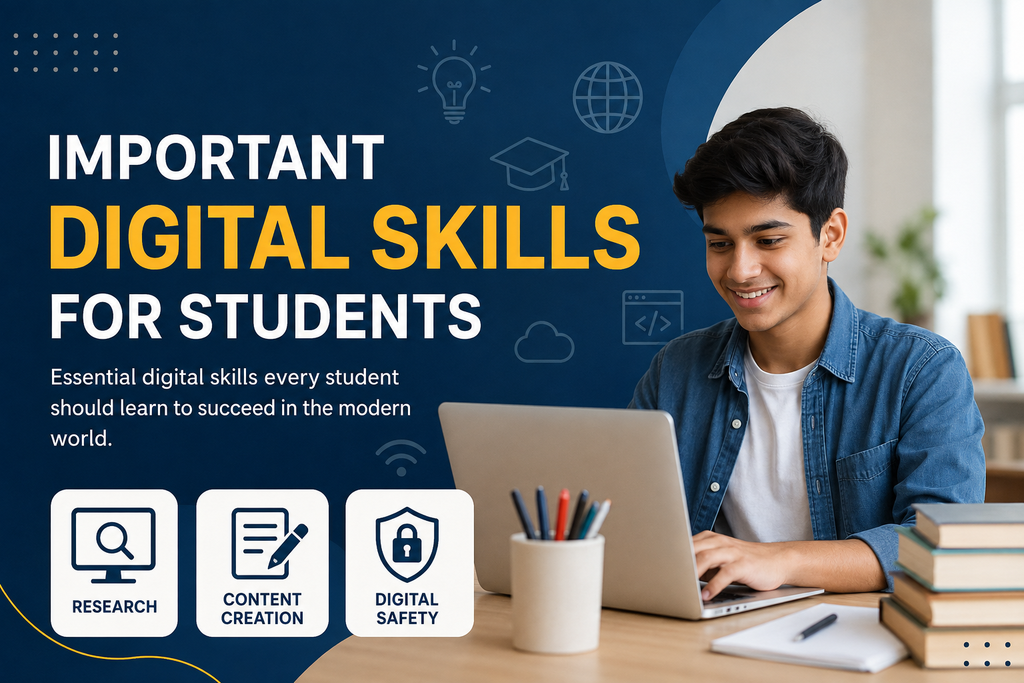
In today’s world, digital skills have become an important part of student life. Students use computers, smartphones, tablets, online learning platforms, and digital applications almost every day. Because education is becoming more connected with technology, knowing how to use digital tools properly can make studying easier, faster, and more productive.
In my view, digital skills are not only about knowing how to operate a computer. They also include finding reliable information, communicating online, creating digital content, protecting personal information, managing files, and using technology responsibly. These skills can help students perform better in their studies and prepare for future careers.
Why Digital Skills Are Important for Students
Students today have access to an enormous amount of information. A simple online search can provide thousands of results within seconds. However, finding information is only one part of the process. Students also need to understand whether the information is accurate, useful, and trustworthy.
Digital skills help students become more independent learners. Instead of depending completely on printed books or classroom notes, students can use online courses, educational websites, digital libraries, videos, and productivity tools to improve their knowledge.
Strong digital skills can also help students save time. When a student knows how to organize files, use search tools, create documents, and communicate effectively online, everyday academic tasks become much easier.
1. Basic Computer Skills
Basic computer skills are among the most important digital skills for students. Every student should understand how to use a computer or laptop for everyday academic tasks.
Students should know how to create, save, rename, move, and organize files. They should also understand basic word processing, copying and pasting information, using keyboard shortcuts, printing documents, and managing folders.
Learning these basic skills may seem simple, but they can make a significant difference. For example, a student who knows how to organize study materials into separate folders can find assignments quickly instead of wasting time searching through hundreds of files.
I believe students should become comfortable with common software such as word processors, presentation programs, spreadsheets, and PDF readers because these tools are frequently used in education and professional environments.
2. Online Research Skills
Online research is another essential digital skill for students. The internet contains valuable educational information, but not everything available online is reliable.
Students should learn how to search for information using specific keywords instead of typing long and unclear questions. They should also compare information from different reliable sources before accepting it as fact.
For example, when researching an academic topic, students can look at educational institutions, recognized organizations, academic publications, and reputable reference websites. They should be careful with websites that provide information without explaining where their claims come from.
Good online research also means knowing how to identify outdated information. A page may appear professional but still contain old facts that are no longer useful.
3. Digital Communication Skills
Communication is an important part of education, and much of it now happens digitally. Students may communicate with teachers, classmates, institutions, and future employers through email, messaging platforms, video meetings, and online discussion boards.
Students should learn how to write clear and respectful emails. A professional email should have a meaningful subject, polite greeting, clear message, and appropriate closing.
Digital communication also requires good manners. Students should avoid sending unnecessary messages, using offensive language, or sharing someone else’s private information.
Video communication skills are also useful. Students should know how to join an online meeting, use a microphone properly, share their screen when necessary, and participate respectfully.
4. Digital Safety and Privacy
Digital safety is one of the most important digital skills for students. Students often create accounts on educational websites, social media platforms, email services, and other applications. Protecting these accounts should be a priority.
A strong password is an important first step. Students should avoid using simple passwords that contain easily guessed information. Using different passwords for important accounts can also reduce risk.
Students should understand phishing and other common online scams. A suspicious message may ask for passwords, payment information, or personal details. Students should avoid clicking unknown links or providing sensitive information without checking the source.
Privacy is equally important. Students should think carefully before sharing photographs, personal information, school details, or other private content online. Once something is posted publicly, it can be difficult to completely remove it.
5. File Management and Cloud Storage
Good file management can make student life much more organized. Assignments, presentations, notes, research papers, images, and other study materials can quickly become difficult to manage.
Students should create folders based on subjects, semesters, projects, or assignments. File names should also be clear and easy to understand.
Cloud storage is another useful digital skill. Cloud services allow students to store files online and access them from different devices. This can be particularly helpful when working on assignments at home, school, or another location.
Students should also understand the importance of backups. Keeping another copy of important assignments can prevent problems if a computer stops working or a file is accidentally deleted.
6. Microsoft Office and Productivity Tools
Knowledge of productivity software can be extremely useful for students. Word processing applications help students prepare assignments and reports. Spreadsheet programs can help with calculations, data organization, and simple analysis. Presentation tools can help students create attractive academic presentations.
Students should learn basic formatting, headings, tables, page layouts, and presentation design. They do not need to become professional designers, but they should know how to create clean and readable documents.
Productivity tools can also help students manage their time. Digital calendars, task lists, reminders, and note taking applications can help students remember deadlines and organize their study routines.
7. Digital Content Creation
Digital content creation is becoming increasingly valuable. Students can use technology to create presentations, educational videos, infographics, documents, posters, and other projects.
Learning basic image editing, presentation design, video editing, or simple graphic design can give students an advantage. These skills can also become useful outside education.
However, students should remember that creating digital content responsibly is important. They should respect copyright and avoid copying someone else’s work and presenting it as their own.
8. Critical Thinking and Information Evaluation
One of the most valuable digital skills is the ability to think critically about online information.
The internet contains opinions, advertisements, misinformation, educational resources, news, and personal experiences. Students need to understand the difference between these types of content.
Before believing or sharing information, students should ask questions such as who created it, what evidence supports it, whether other reliable sources agree, and whether the information may be biased.
Critical thinking becomes even more important as artificial intelligence and automated content tools become more common. Technology can provide useful information, but students still need to check facts and use their own judgment.
9. Basic Artificial Intelligence Skills
Artificial intelligence is becoming part of education, work, and everyday technology. Students can benefit from learning how AI tools work and how to use them responsibly.
AI can help students brainstorm ideas, explain difficult concepts, organize information, and practice certain skills. However, students should not depend completely on AI for their academic work.
A good approach is to use AI as a learning assistant rather than a replacement for thinking. Students should verify important information, follow their school’s academic policies, and make sure their submitted work genuinely represents their own learning.
10. Time Management With Digital Tools
Technology can either save time or waste time. Students who learn to use digital tools for time management can become more organized.
A digital calendar can be used to record examinations, assignments, project deadlines, and study sessions. Task management applications can help students divide large projects into smaller activities.
Notifications should also be controlled. Constant social media messages and entertainment notifications can interrupt concentration. Turning off unnecessary notifications during study sessions can help students stay focused.
11. Learning New Technology
Technology changes quickly, so students should develop the ability to learn new tools rather than trying to master only one application.
A software program that students use today may be replaced or updated in the future. The most valuable skill is therefore adaptability.
Students can practice by exploring new educational platforms, productivity applications, digital tools, and online learning resources. Even small experiments can gradually increase confidence.
Final Thoughts
In my opinion, digital skills for students are no longer optional extras. They are becoming essential skills for education, communication, employment, and everyday life.
Basic computer skills, online research, digital communication, cybersecurity awareness, file management, productivity tools, content creation, critical thinking, artificial intelligence awareness, and time management can all help students become more confident technology users.
The good thing is that students do not need to learn everything at once. They can start with basic computer skills and gradually develop more advanced abilities. Regular practice is more useful than trying to learn every digital tool in a short period.
Technology should be used as a tool for learning and personal development. When students understand how to use digital resources safely, responsibly, and effectively, they can make better use of the opportunities available to them.
The goal is not simply to spend more time with technology. The goal is to use technology more intelligently. Developing strong digital skills today can help students become better learners and prepare themselves for a technology driven future.