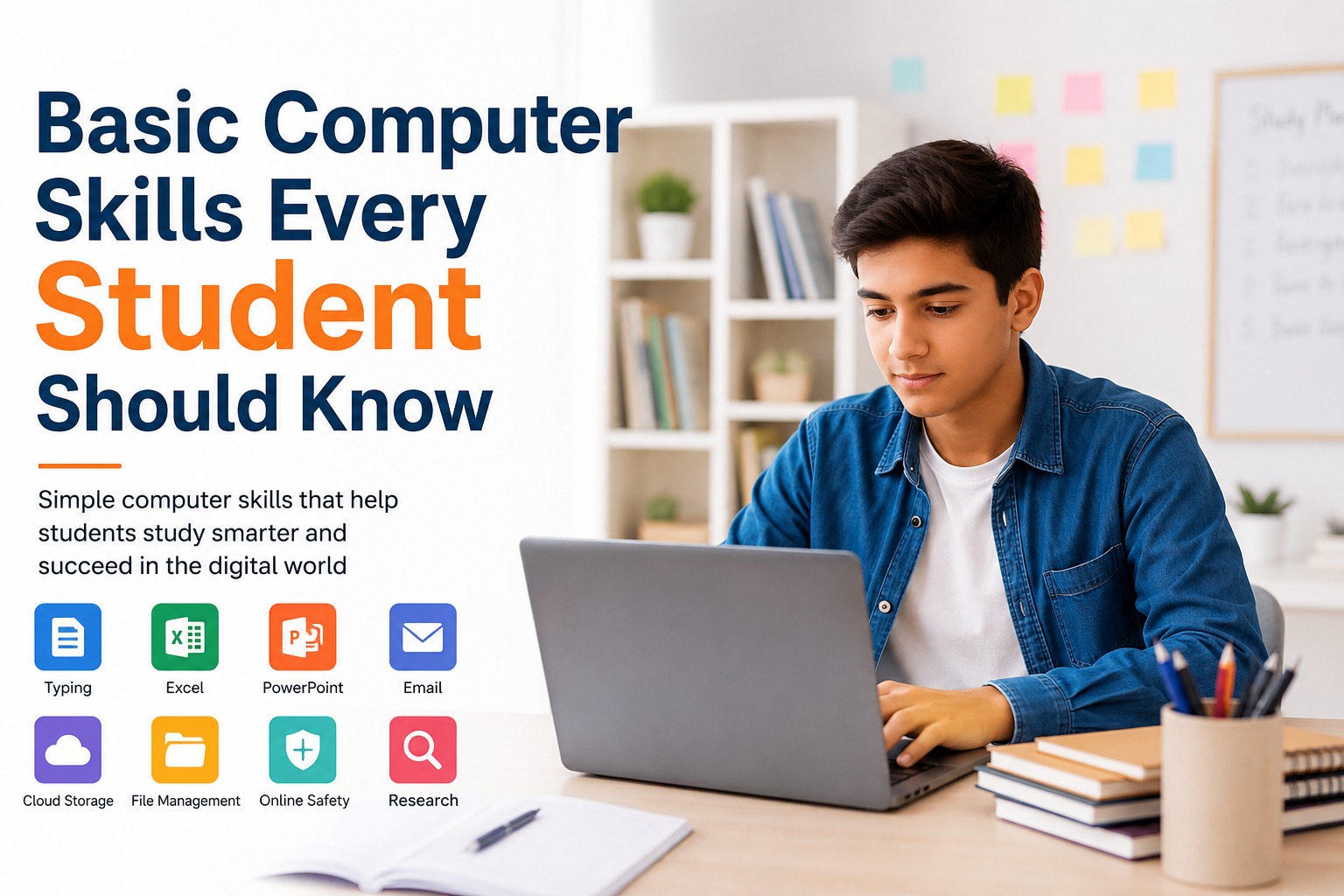
In my opinion, computer skills are no longer optional for students. Whether you are in school, college, university, or taking online courses, you will probably use a computer for studying, research, assignments, presentations, communication, and many other tasks. A student who knows how to use a computer confidently can save time and complete academic work more efficiently.
I believe students do not need to become computer experts. However, learning some basic computer skills can make everyday student life much easier. These skills are useful not only for education but also for future jobs and professional life.
In this article, I will share the basic computer skills every student should know and explain why each skill is important.
1. Basic Computer Operation
The first skill every student should learn is how to operate a computer properly. This includes understanding how to turn a computer on and off, use the keyboard and mouse, open applications, adjust basic settings, and connect devices.
Students should also understand the difference between files, folders, applications, and the operating system. These may sound like simple things, but knowing them creates a strong foundation for learning more advanced computer skills.
I think students should spend some time exploring their computer instead of being afraid of changing settings or trying new features. Basic confidence can make a big difference.
2. Typing Skills
Good typing skills are extremely useful for students. Many assignments, reports, notes, applications, and online activities require typing.
Students should learn how to type accurately and gradually improve their typing speed. It is better to focus on accuracy first because frequent typing mistakes can waste time and make written work look unprofessional.
Learning common keyboard shortcuts can also improve productivity. Shortcuts for copying, pasting, saving, searching, and undoing actions can help students complete everyday tasks faster.
In my experience, even a small improvement in typing speed can save a surprising amount of time over the course of a semester.
3. File and Folder Management
Knowing how to manage files is one of the most important computer skills for students. Imagine downloading an assignment but not knowing where it was saved. This simple problem can become frustrating.
Students should learn how to create folders, rename files, move files, delete unnecessary files, and search for documents.
I recommend creating separate folders for different subjects. For example, you can have folders for English, Mathematics, Science, Computer Studies, and personal projects.
Using clear file names is also helpful. Instead of saving a document as “Document1,” use a name such as “History Assignment Chapter 3.” This makes the file much easier to find later.
4. Microsoft Word or Other Word Processing Tools
Word processing is an essential skill for almost every student. Students often need to write essays, assignments, reports, applications, and research papers.
You should know how to create and format documents, change fonts, adjust spacing, insert headings, create lists, add images, and check spelling.
It is also useful to learn how to add page numbers, create tables, and save documents in different formats.
Knowing how to use word processing software can make academic writing more organized and professional.
5. Spreadsheet Skills
Many students think spreadsheets are only useful for business students, but that is not true. Basic spreadsheet skills can be useful in almost every field.
Students should understand how to enter data, organize information, use simple formulas, create tables, and perform basic calculations.
For example, a spreadsheet can be used to track grades, calculate averages, organize research information, create a study schedule, or manage a personal budget.
You do not need to learn complicated formulas at the beginning. Start with simple functions and gradually learn more as your needs grow.
6. Presentation Skills
Students often have to give presentations in class. Learning how to create an effective presentation is therefore another important computer skill.
Tools such as PowerPoint and other presentation applications allow students to combine text, images, charts, and other visual elements.
In my opinion, a good presentation should not contain too much text. Students should use short points, readable fonts, useful images, and a clear structure.
It is also important to learn how to start a slideshow, move between slides, use presentation mode, and connect a computer to a projector or external display.
7. Internet Research Skills
The internet contains an enormous amount of information, but not everything online is reliable. Students need to learn how to search for information effectively and evaluate the sources they find.
Using specific search phrases can produce better results than typing very general questions. Students should also compare information from multiple reliable sources.
I believe one of the most important research skills is learning not to trust every website immediately. Check who published the information, when it was published, and whether other reliable sources support the same information.
These skills can make research assignments much easier and improve the quality of academic work.
8. Email Skills
Email is still one of the most important forms of digital communication. Students may need to contact teachers, professors, schools, universities, organizations, or potential employers.
Students should know how to write a clear subject line, greet the recipient politely, explain the purpose of the email, attach files, and finish with an appropriate closing.
It is also important to check the recipient’s email address before sending a message. If you are attaching an assignment, make sure the correct file is attached.
Professional email habits are useful during education and can become valuable workplace skills later.
9. Online Safety and Security
Basic computer knowledge should always include online safety. Students use websites, social media, email, online learning platforms, and cloud services regularly, so protecting personal information is important.
Students should learn how to create strong passwords and avoid using the same password everywhere. Two factor authentication can provide another layer of account protection when available.
You should also be careful when clicking unknown links or downloading unfamiliar files. Fake websites and phishing messages can look convincing, so it is important to think before entering personal information.
I believe online safety should be treated as a basic computer skill rather than something only technology students need to understand.
10. Cloud Storage
Cloud storage has become very useful for students. Services such as Google Drive, OneDrive, and other cloud platforms allow users to store and access files online.
Students can use cloud storage to keep assignments, notes, presentations, and important documents. It can also make it easier to access work from different devices.
Another useful feature is file sharing. Students can share documents with classmates or teachers when collaboration is required.
However, students should still understand privacy settings and avoid sharing sensitive documents publicly.
11. Video Meeting Skills
Online classes and group meetings have become common in education. Students should know how to join a video meeting, turn the microphone and camera on or off, use chat features, and share their screen when necessary.
It is also important to check your internet connection, microphone, and camera before an important online class or presentation.
Being comfortable with video meeting software can help students participate more confidently in online education.
12. Basic Troubleshooting
Students do not need to be professional technicians, but learning basic troubleshooting can save time.
For example, if an application stops responding, you can try closing and reopening it. If the internet is not working, you can check the connection and restart the router if appropriate. If a computer becomes slow, closing unnecessary applications may help.
Students should also learn how to restart a computer properly and install software updates when required.
Basic troubleshooting can reduce dependence on others for small technical problems.
13. Digital Organization
Being organized on a computer is just as important as being organized with notebooks and textbooks.
I recommend keeping your desktop clean and organizing important documents into folders. Delete files you no longer need and back up important academic work.
Students can also use digital calendars, reminders, and note taking applications to manage deadlines.
A simple digital organization system can help prevent missed assignments and lost files.
14. Basic Communication and Collaboration Tools
Modern education often involves group projects. Students may need to collaborate on documents, share files, communicate through messaging platforms, and work together online.
Learning how to edit shared documents, leave useful comments, and communicate respectfully can make group projects much smoother.
These skills are also valuable because many modern workplaces depend on digital collaboration.
Why Computer Skills Matter for Students
Basic computer skills can improve both academic performance and confidence. When students know how to manage files, write documents, create presentations, research information, communicate professionally, and protect their accounts, they can focus more on their actual studies.
I also believe these skills provide a bridge between education and employment. Almost every modern career requires some level of digital ability.
The good thing is that students do not have to learn everything at once. Start with the basics and practice regularly. Even spending a few minutes each day learning a new shortcut, software feature, or online safety habit can produce meaningful results over time.
Final Thoughts
Basic computer skills are an important part of modern student life. From typing and file management to online research, email, presentations, spreadsheets, cloud storage, and cybersecurity, these abilities can make studying easier and more productive.
In my view, the best way to learn computer skills is through regular practice. Do not worry about making mistakes while learning. Explore different tools, try new features, and learn from problems when they occur.
The more comfortable you become with computers, the more confidently you can handle assignments, projects, online classes, research, and future professional responsibilities.
Learning basic computer skills today is an investment in your education and your future. Students who develop these skills early can work more efficiently, stay organized, communicate better, and feel more prepared for the digital world.
Primary Keyword: Basic Computer Skills Every Student Should Know
Secondary Keywords: basic computer skills for students, computer skills for students, essential computer skills, student computer skills, computer skills for beginners, digital skills for students, basic computer knowledge
Suggested SEO Title: Basic Computer Skills Every Student Should Know
Suggested Meta Description: Learn the basic computer skills every student should know, including typing, file management, Word, spreadsheets, presentations, online research, email, and online safety.
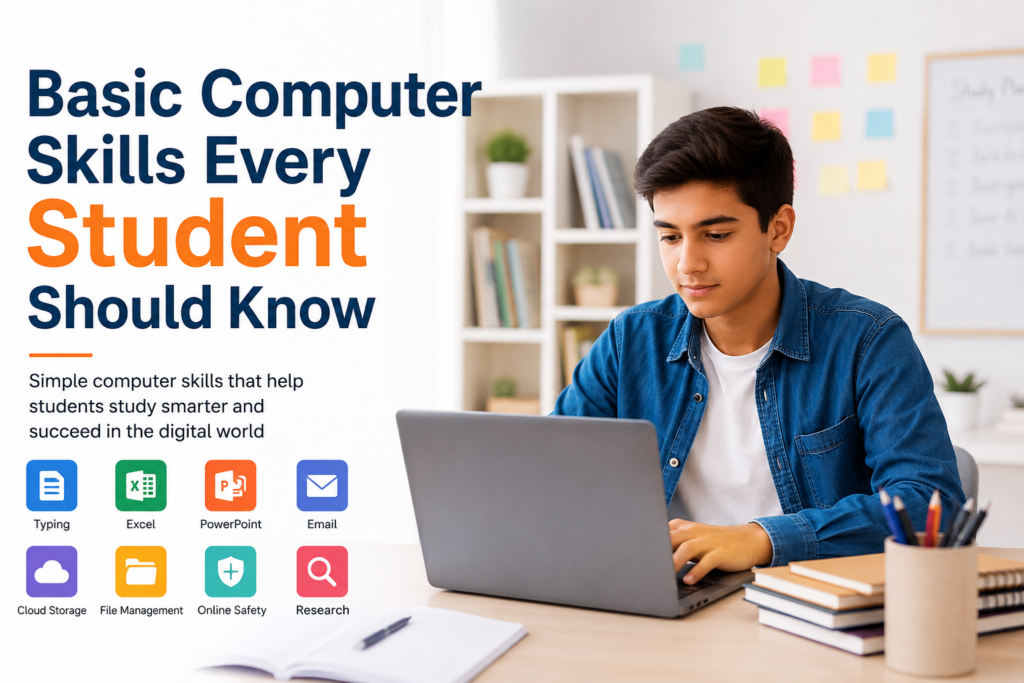
Suggested WordPress Image Alt Text: Basic computer skills every student should know with a student using a laptop